






 Current location:
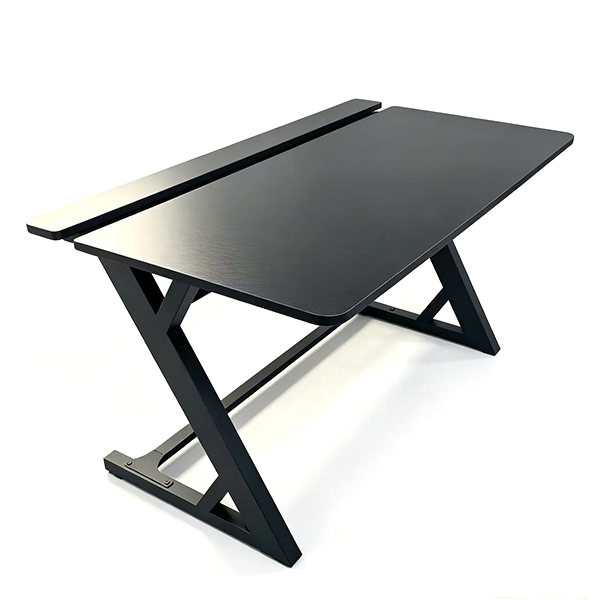
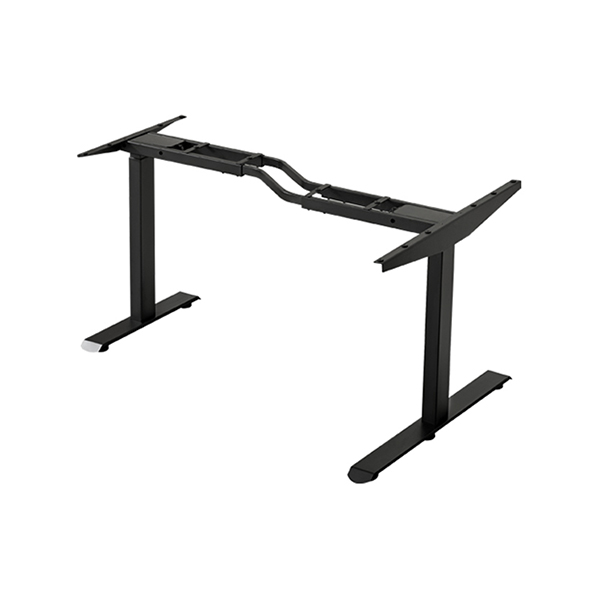
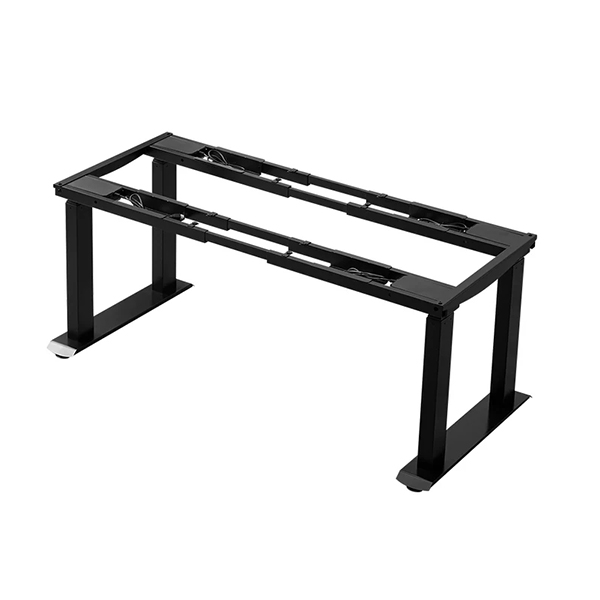
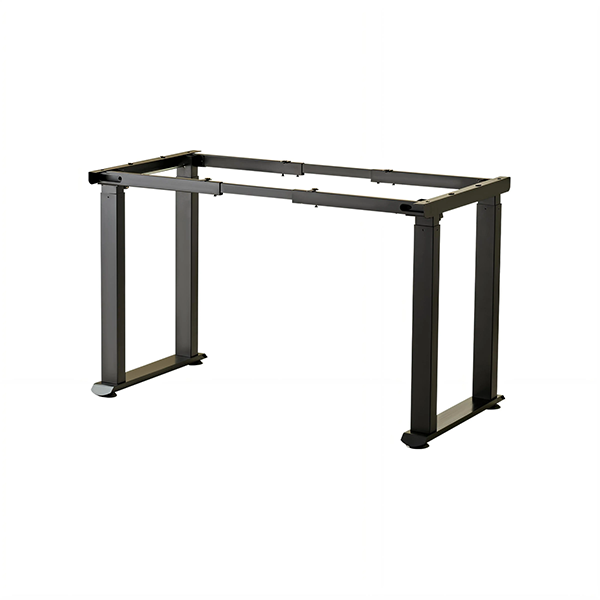
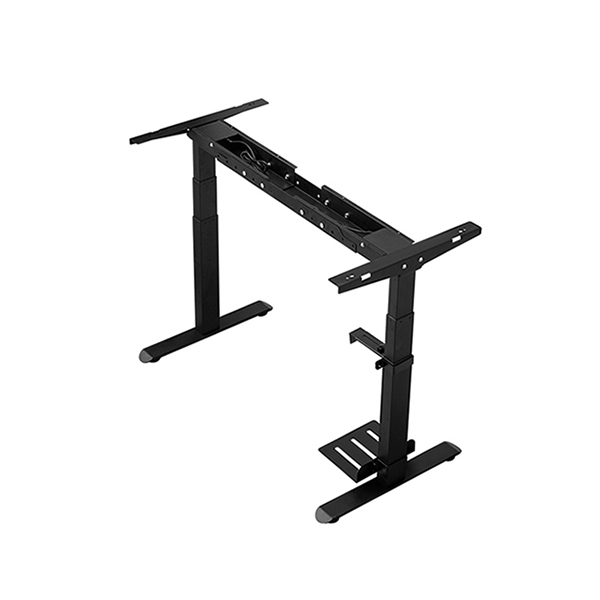
Ergonomic Posture Tips While Using Z-Frame Gaming Desk
Author:handyersmart Date:2026-09-16 15:58:58 Click:186
Even the highest quality Z-Frame Gaming Desk cannot protect users from discomfort without good posture habits.Many gamers and home office users slouch forward,crane their necks toward screens or rest wrists awkwardly on hard surfaces,creating strain that builds over weeks and months.Understanding ergonomic rules helps people stay comfortable during long sessions sitting or standing at the desk.
When sitting at a Z-Frame Gaming Desk,adjust your chair height so your feet rest flat on the floor.Knees should bend roughly at ninety degrees.Keep elbows level with the desktop surface while typing and using a mouse.Your monitor top edge should sit slightly below eye level,so you look gently downward at the screen instead of tilting your neck up.A monitor mount can help achieve this ideal screen position and free desktop space.
When you use the Z-Frame Gaming Desk as a Standing Desk,adjust desktop height so elbows stay bent at ninety degrees.Avoid locking knees while standing.Shift weight between feet regularly,and use an anti-fatigue mat to reduce pressure on heels and lower legs.Do not stand for hours continuously.Switch between sitting and standing every 30 to 60 minutes to keep blood flowing and reduce muscle tension.
Keep wrists in neutral alignment.Avoid bending wrists upward or downward while gaming or typing.A soft wrist rest can reduce pressure points,but users should not rest heavy arm weight fully on wrist pads.Keep shoulders relaxed and pulled back,avoid hunching toward the monitor.
Arrange peripherals within easy reach on your Z-Frame Gaming Desk.Place mouse and keyboard directly in front of you,not far to one side.Speakers and controllers should sit close enough to avoid stretching your arms constantly.Take short breaks every hour.Stand up,stretch shoulders and neck,and look at distant objects to relax eye muscles.
Combining a stable Z-Frame Gaming Desk with good ergonomic practices and optional Standing Desk height adjustment minimizes common workstation injuries.Simple posture adjustments and regular breaks make long gaming and working sessions much more comfortable and lower the risk of chronic musculoskeletal discomfort over time.
**References**
GB/T 7714
MLA:
Hughes,Amy.Ergonomic Posture for Computer Workstations.Human Factors Research Press,2023.
APA:
Hughes,A.(2023).Ergonomic posture for computer workstations.Human Factors Research Press.
Langfang Hanger Intelligent Technology Co., Ltd.
Copyright © 2026-2027 https://www.handyersmart.com. All Rights Reserved Langfang Hanger Intelligent Technology Co., Ltd.Copyright