






 Current location:
Gaming Standing Desk Setup Guide for Beginner Gamers
Author:handyersmart Date:2026-09-17 11:19:32 Click:67
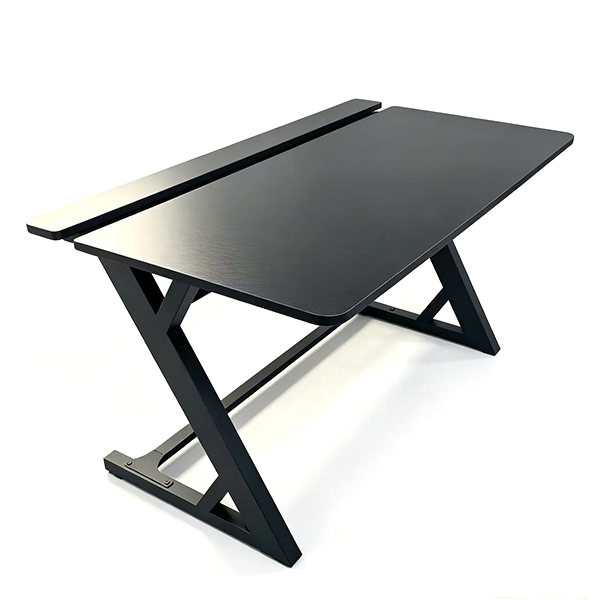
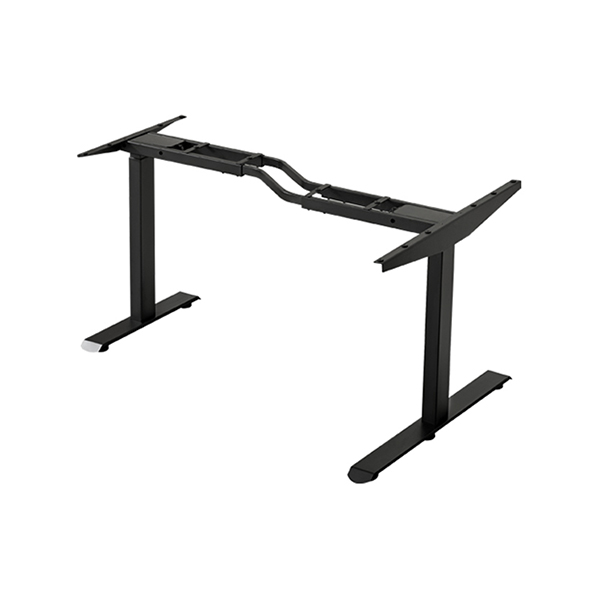
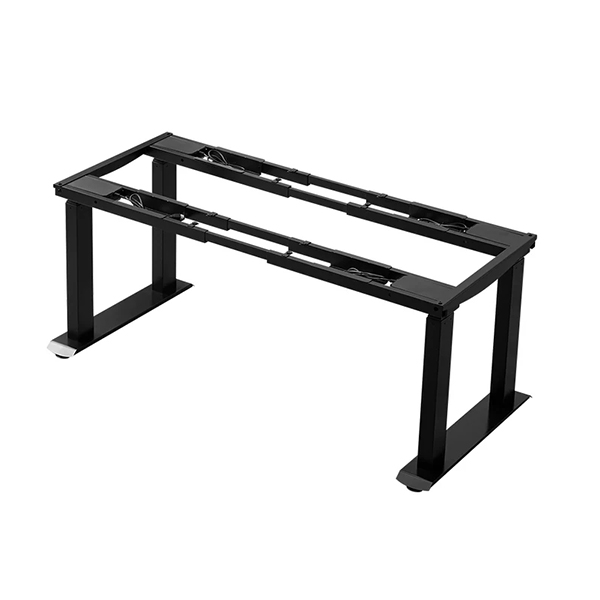
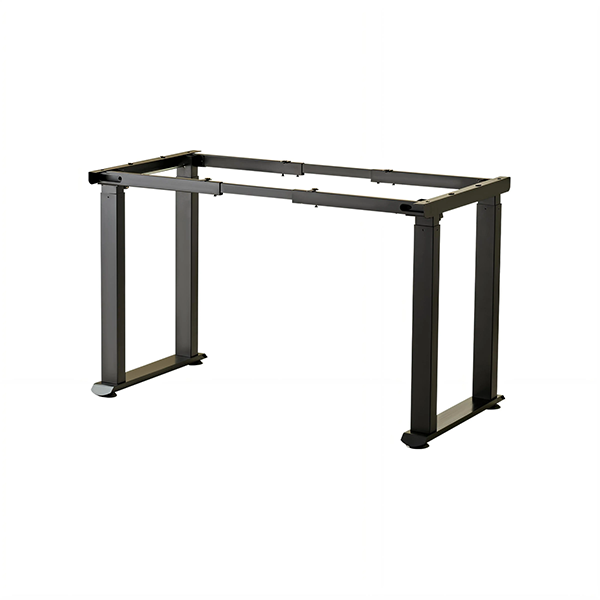
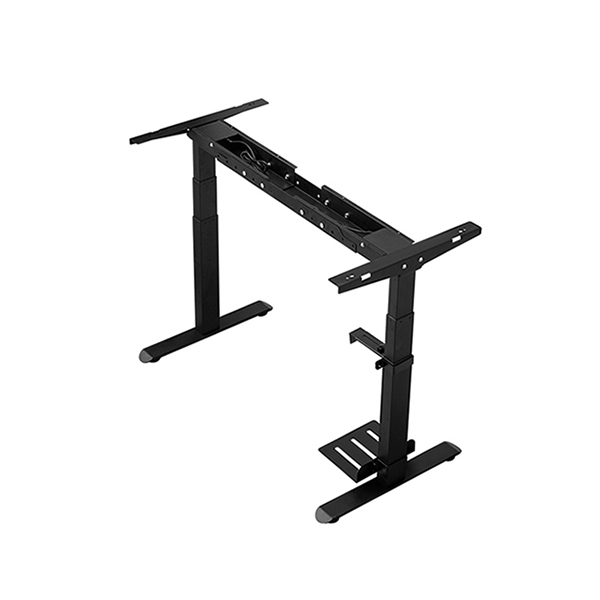
For novice gamers who have just purchased gaming standing desks,unreasonable equipment setup and height debugging are common problems that prevent them from enjoying the full ergonomic advantages of the equipment.A scientific and personalized standing desk setup is the foundation of optimizing gaming experience and protecting physical health.This comprehensive setup guide helps beginner gamers complete standardized and personalized debugging from equipment placement,height adjustment,equipment layout to auxiliary configuration,realizing zero-threshold adaptation to gaming standing desks.First of all,equipment placement is the basic premise of stable use.Gamers need to place the gaming standing desk in a flat,dry and ventilated indoor position,avoiding uneven ground affecting desktop stability and lifting accuracy.Keep a sufficient distance from the wall to ensure that the desktop will not collide with the wall during height lifting,and reserve heat dissipation space for gaming hosts,monitors and other equipment to avoid equipment overheating caused by poor ventilation.Avoid placing the desk in direct sunlight for a long time to prevent desktop material aging and monitor screen reflection affecting gaming vision.The second step is core height adjustment and posture debugging,which is the most critical link for beginners.For sitting gaming height adjustment,sit naturally on the gaming chair,keep the upper body upright,relax the shoulders,and adjust the desk height until the elbows can naturally bend 90 degrees when placing hands on the keyboard and mouse,with the wrists in a completely relaxed neutral state.For standing gaming height adjustment,stand naturally in front of the desk,keep the spine upright,and adjust the desktop to the height where the arms can be naturally drooped and flexed for operation,ensuring no shoulder lifting or arm stretching.Most gaming standing desks support memory height setting,and beginners can store the adjusted sitting and standing heights with one key to facilitate subsequent quick switching.The third step is standardized layout of gaming equipment to optimize operational fluency and desktop tidiness.Place the monitor in the center of the desktop,adjust the monitor height so that the top of the screen is level with the horizontal line of sight,and keep a distance of 50 to 70 centimeters from the eyes to protect eyesight and reduce neck rotation frequency.Place the mechanical keyboard in the middle of the desktop front end to ensure convenient typing and key pressing;place the gaming mouse on the right side of the keyboard with sufficient moving space to avoid operational limitation.Sort out various equipment lines through the desktop cable holes and cable grooves,bind redundant lines uniformly,keep the desktop clean and tidy,and prevent line winding from affecting operation and heat dissipation.Auxiliary equipment matching is an important part of improving the overall ergonomic effect.Beginners can match a professional ergonomic gaming chair with lumbar support and headrest to cooperate with the standing desk,providing full support for the waist and neck during sitting gaming.Equip a soft anti-fatigue standing mat to buffer foot pressure during long-term standing gaming.Appropriately configure monitor stand,headphone hook and other small accessories to expand desktop space and improve equipment utilization efficiency.Finally,form good usage habits to adapt to standing desk gaming mode.Beginners should avoid long-term single posture use,adhere to sitting-standing alternation,and gradually adapt to standing gaming state.Regularly check the desktop level and lifting sensitivity,clean the desktop dust and equipment lines,and maintain the long-term stable operation of the standing desk.Through the above standardized setup steps,novice gamers can quickly complete the personalized debugging of gaming standing desks,give full play to the ergonomic advantages of the equipment,effectively reduce gaming physical discomfort,and lay a foundation for long-term healthy and high-quality gaming experience.
References
APA Style:FashionHomeTrends.(2025).Best gaming stand up desk.Retrieved from https://fashionhometrends.com/gaming-desk/best-gaming-stand-up-desk/
MLA Style:FashionHomeTrends."Best Gaming Stand Up Desk."Dec.2025,https://fashionhometrends.com/gaming-desk/best-gaming-stand-up-desk/.
Langfang Hanger Intelligent Technology Co., Ltd.
Copyright © 2026-2027 https://www.handyersmart.com. All Rights Reserved Langfang Hanger Intelligent Technology Co., Ltd.Copyright