






 Current location:
Electric Standing Desk: What You Need to Know Before Buying
Author:handyersmart Date:2026-10-07 10:21:38 Click:93
An electric standing desk is a height-adjustable workstation whose surface is raised and lowered by motors. It is the powered form of the standing desk: where a manual model asks the user to crank the surface up and down, an electric one moves it at the press of a button. That convenience is the headline feature, but the product is worth judging on the parts behind it — the motors, the columns, the controls and the structure that keeps the top steady. This article explains how an electric standing desk works and which details a buyer should understand before choosing one.
What Is an Electric Standing Desk?
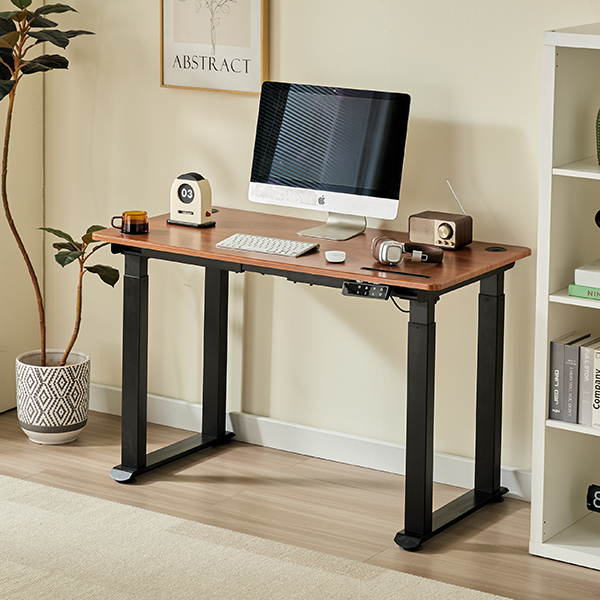
An electric standing desk is a complete workstation — desktop and base — built around a motorised lifting system. The desktop sits on telescopic columns, and motors inside or attached to those columns extend and retract them to change the working height. Because the movement is powered, the user can switch between seated and standing positions quickly and repeatedly without effort. The same architecture also appears in frame-only form; the electric standing desk product page shows a typical complete desk, while the frame range covers the base on its own.
How an Electric Standing Desk Works
Motors and Lifting Columns
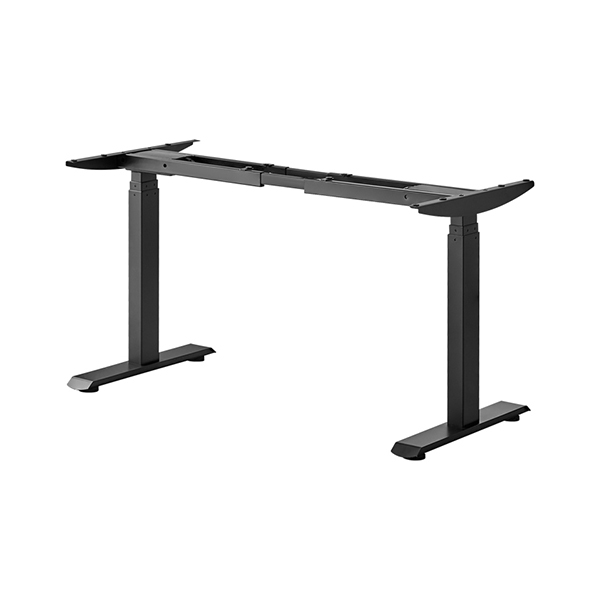
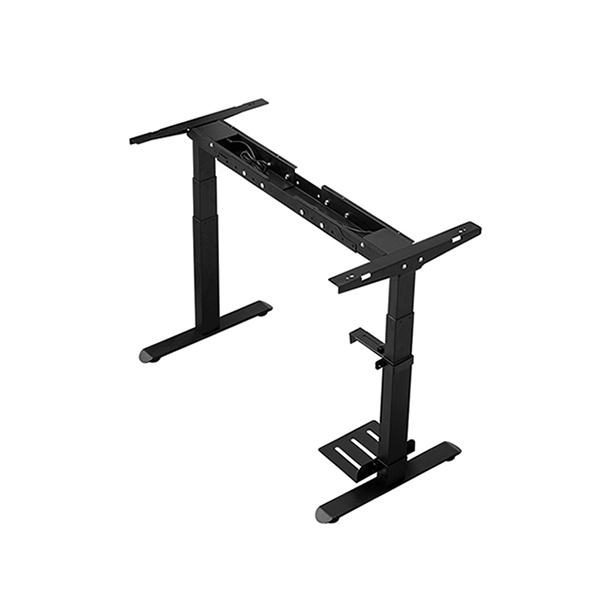
The lifting columns are telescopic legs, and the motors drive them through actuators. As a column extends, the desktop rises; as it retracts, the desk lowers. The number of columns and motors is the clearest indicator of what the desk is built for. Two columns with one or two motors suit compact single-user desks. A four-leg design spreads the load across a wider area, which suits larger desktops and heavier equipment.
The Control System
A control box coordinates the motors so the columns move together and the desktop stays level. The user operates the desk through a handset — a small panel of buttons or a switch. On more capable desks the control system also stores preferred heights, so a user can return to a saved sitting or standing position at a single press.
Height Limits and Safety
Electric desks often include travel limits that cap the highest and lowest positions, protecting the mechanism and nearby furniture. Higher-specification desks add obstacle detection, which stops or reverses the desk if it meets resistance during movement. In a busy office, a home with children, or a classroom, that protection is more than a luxury.
Single, Dual and Four-Leg Designs
Single-motor desks — one motor drives the columns; suited to compact desks with moderate loads.
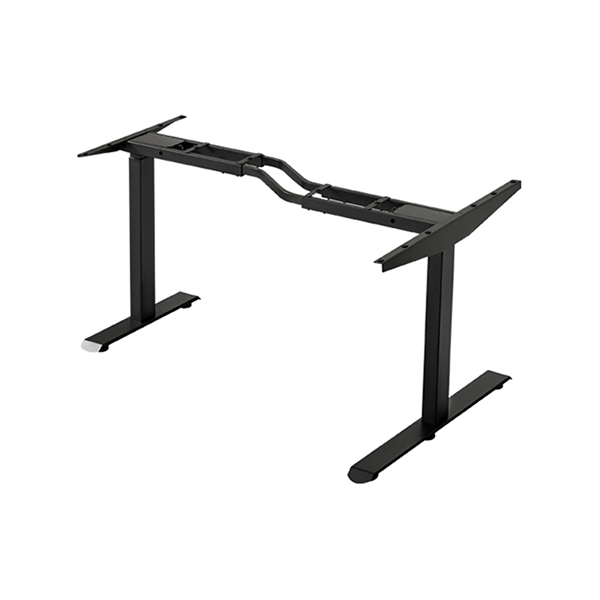
Dual-motor desks — two motors drive the columns directly, giving more capacity and steadier movement on wider surfaces.
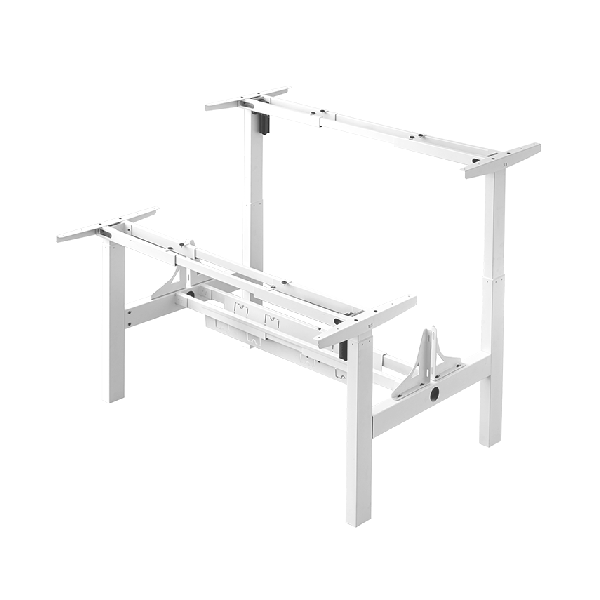
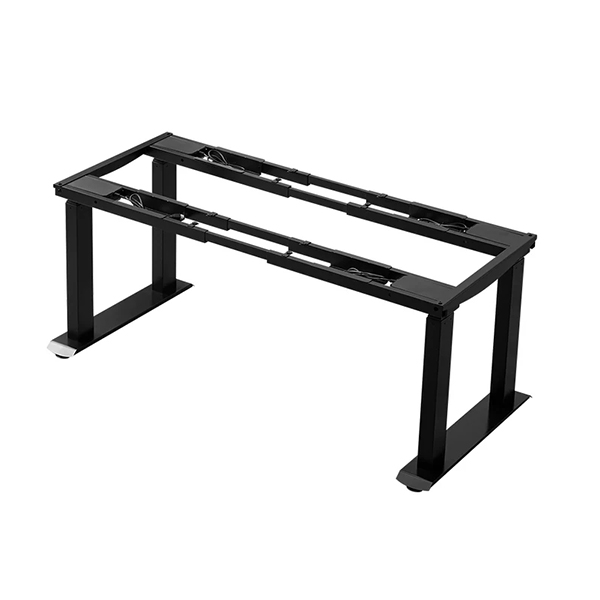
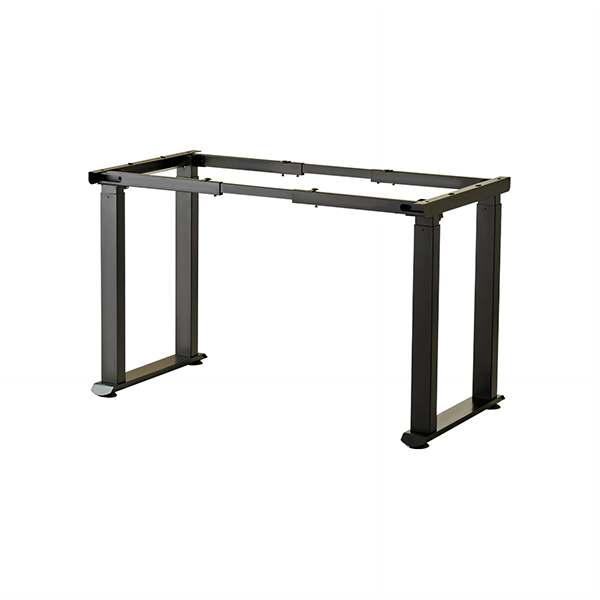
Four-leg desks — four columns spread the load across a larger support area, for big desktops and heavy multi-monitor setups. A four-leg electric standing desk is built around this idea.
The choice between these is driven by desktop size and load rather than by preference. Larger, heavier workstations need more columns and more drive; compact desks do not gain much from either.
Key Specifications to Understand
Height Range
Height range is the span between the desk's lowest and highest settings, and it should cover the users' seated and standing requirements. A range that does not reach a comfortable standing height for a tall user, or sits too high for comfortable seated work, will limit the desk's usefulness no matter how good the rest of it is. For shared desks, choose a range broad enough for everyone who will use it.
Load Capacity
Load capacity is the weight the desk is designed to raise and lower. The practical figure is capacity minus the weight already on the desk — the desktop, monitors, computer and accessories. Buyers should total the intended load and add a margin, then confirm that the desk maintains its movement across the full height range, since a desk may behave differently when fully extended.
Lifting Speed and Noise
Lifting speed affects how disruptive a height change is, and noise affects everyone nearby. Faster is generally more convenient, and quieter is generally more pleasant in shared spaces. Rather than assuming a figure, buyers can ask the supplier for operating sound and speed under typical load, since values vary with design and load.
Stability: What Users Notice Most
The quality users feel most immediately is stability — whether the desk rocks or shimmies when they type, especially at standing height. Stability comes from the column fit, the crossbars that tie the columns together, the spread of the feet and the quality of the steel. A desk that is firm when low but loose when raised usually has a column or bracing limitation rather than a desktop one. This is the part of an electric standing desk that is hardest to see in a catalogue and most important to ask about directly.
Maintenance and Service Life
An electric standing desk is a long-term purchase, and its working life depends partly on how it is maintained and serviced. In normal use the desk needs little more than occasional checks — that the columns are clean, the fixings secure and any cable path clear of the moving parts. What matters most over the years is the availability of spare components. Motors, control boxes and handsets are the parts most likely to need attention, and a desk whose parts can be replaced individually will outlast one that would have to be discarded if a single electronic component failed. For commercial buyers in particular, serviceability is worth confirming before purchase, because it directly affects the total cost of ownership across a fleet of desks.
Choosing Between Frame and Complete Desk
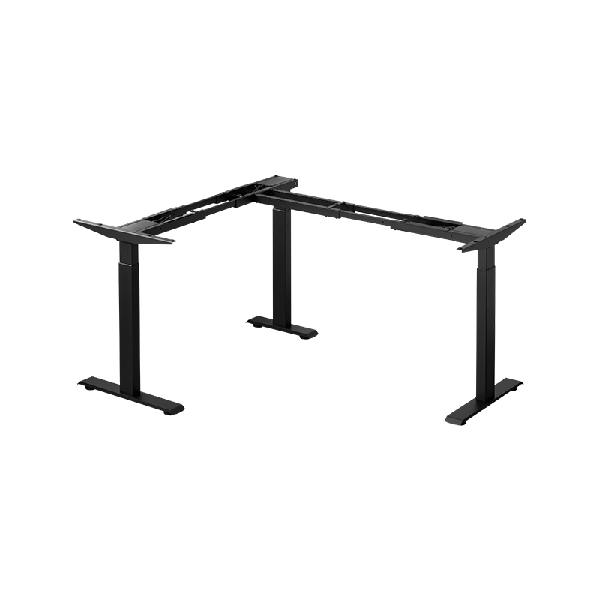
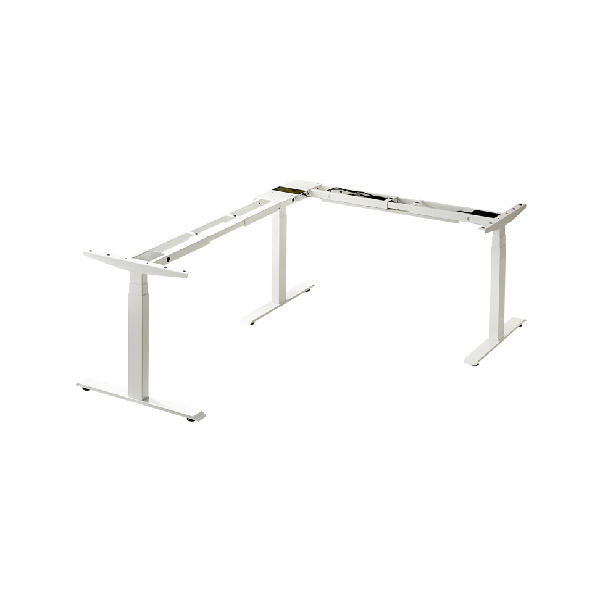
Electric standing desks are sold in two forms. A complete desk arrives as a matched desktop and base, ready to assemble. A frame-only product, such as an electric standing desk frame, supplies the powered base so the buyer can add their own surface. The complete desk is simpler; the frame is more flexible for custom sizes, finishes or matching existing furniture. In both cases the base is the same technology — the difference is only what comes in the box.
What to Check Before You Buy
Height range — covering seated and standing heights for every user.
Load capacity — above the planned total, maintained across the range.
Motor and column configuration — single, dual or four-leg, matched to size and load.
Stability — column fit, crossbars and foot design.
Control features — memory presets, height limits and obstacle detection as needed.
Desktop compatibility — on frame-only desks, the surface size, weight and thickness the frame accepts.
Serviceability — availability of replacement motors, columns and control units.
Buyers can compare available desks and frames in the product range, or supply their desktop and load details to the supplier for confirmation.
FAQ
How long does an electric standing desk take to move up or down?
Speed depends on the model, but a height change is normally a matter of a few seconds. Faster desks are more convenient where the position changes often; buyers should ask the supplier for the figure under load rather than assume one.
Can an electric standing desk hold two monitors and a computer?
Often yes, but only within the desk's load capacity. Add up the desktop weight and the equipment weight, allow a margin, and choose a dual-motor or four-leg desk if the total is high.
Do electric standing desks wobble at standing height?
A well-built desk should remain steady across its range. Some movement disappears with correct assembly and levelling, but persistent wobble at height usually points to a frame with limited stabilisation.
Is a four-leg electric standing desk more stable than a two-leg desk?
It usually is, especially for large or heavy desktops, because the load is spread across four columns and a wider footprint. For a compact single-user desk, a two-leg design can be entirely stable.
What happens if the power goes off with the desk raised?
The desk stays where it is; it simply cannot be moved until power returns. This is one practical difference from a manual desk, which needs no electricity to change height.
Conclusion
An electric standing desk turns a height-adjustable surface into something users will actually change position on — quickly, precisely and without effort. Its real quality, though, lies beneath the convenience: in the motors and columns that carry the load, the control system that keeps the top level, the safety features that suit the environment, and the frame rigidity that keeps everything steady at height. Understanding height range, load capacity and stability before buying turns a long list of models into a small number of suitable ones, and makes the choice of an electric standing desk a decision about structure rather than appearance.
References
ANSI/BIFMA X5.5-2021. Desk and Table Products. BIFMA International.
Occupational Safety and Health Administration (OSHA). Computer Workstations eTool — Workstation Components. U.S. Department of Labor.
Cornell University Ergonomics Web (CUErgo). Sitting and Standing at Work. Cornell University.
Buckley, J. P., Hedge, A., Yates, T., Copeland, R. J., Loosemore, M., Hamer, M., Bradley, G., & Dunstan, D. W. (2015). The sedentary office: an expert statement on the growing case for change towards better health and productivity. British Journal of Sports Medicine, 49(21), 1357–1362.
ISO 9241-5:1998. Ergonomic requirements for office work with visual display terminals (VDTs) — Part 5: Workstation layout and postural requirements. International Organization for Standardization.
Langfang Hanger Intelligent Technology Co., Ltd.
Copyright © 2026-2027 https://www.handyersmart.com. All Rights Reserved Langfang Hanger Intelligent Technology Co., Ltd.Copyright