






 Current location:
How to Choose the Right Standing Desk Frame: Buyer's Guide
Author:handyersmart Date:2026-10-18 13:03:36 Click:62
Choosing a standing desk frame looks like a simple matter of picking a size and a load rating, but the decision is really a set of linked trade-offs. A heavier desktop needs a stronger base; a taller user needs a longer height range; a shared desk needs controls that one person can set and another can return to. Get the sequence right and the frame will disappear into daily use. Get it wrong and the desk will feel slow, cramped or unsteady no matter how good the tabletop is. This guide sets out a practical order for making the choice.
Start With the Desktop, Not the Frame
The desktop drives almost every other decision. Its length and depth determine the frame's footprint, its weight sets the lower bound of the load rating, and its thickness decides how securely the mounting screws can bite. Before comparing frames, settle three desktop facts:
The working surface length and depth you need for the equipment planned — monitors, computers, documents, peripherals.
The desktop's material and approximate weight, since solid wood, laminate and composite panels differ a lot.
The total load the surface will carry in normal use, not just at its lightest.
Once these are known, the frame becomes a matter of finding a base built for that surface rather than the other way round. Buyers who already own a desktop should measure it precisely; buyers specifying from scratch have more freedom and can choose the frame first and match the surface to it.
Match the Height Range to the Users
Height range is the single most user-visible feature of a standing desk frame, and it has two ends. The lowest setting must be comfortable for seated work — low enough that shorter users can rest their forearms and elbows correctly. The highest setting must reach a comfortable standing height for the tallest user expected to use the desk. A range that covers only the middle is the most common reason a desk feels "almost right".
For a single-user desk, choose a range that brackets that user's seated and standing working heights. For shared or multi-user desks, choose a range broad enough to cover the shortest and tallest people in the group. Where a supplier offers several ranges, the wider option is usually worth the extra cost on shared desks, because it is difficult to extend a frame's travel after purchase.
Choose the Motor and Column Configuration
The drive and column layout are what the user feels in motion, and they are the clearest indicators of what a frame is built for.
Single vs Dual Motor
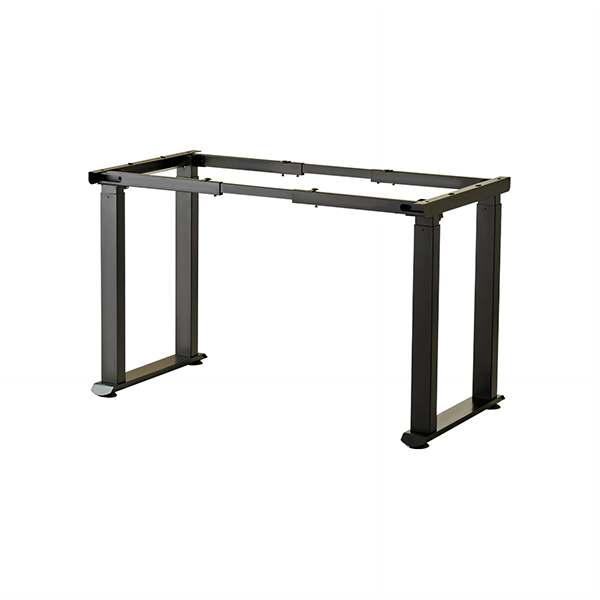
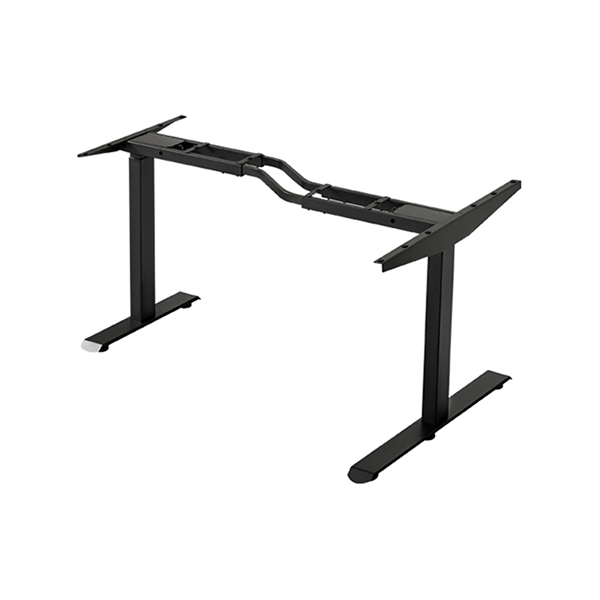
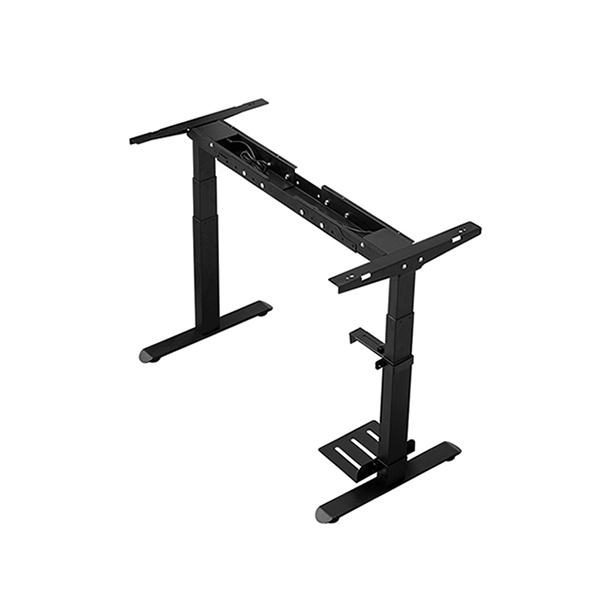
A single motor standing desk frame uses one motor to drive the columns and suits compact desks with moderate loads. A dual motor standing desk frame uses two motors working across the columns, which gives more capacity and steadier movement on larger or heavier desks. Where the desktop is wide, or where it will carry multiple monitors and a computer, the dual-drive option is usually the safer choice. The comparison between these two layouts is set out in more detail in the electric standing desk frame range.
Two, Three or Four Columns
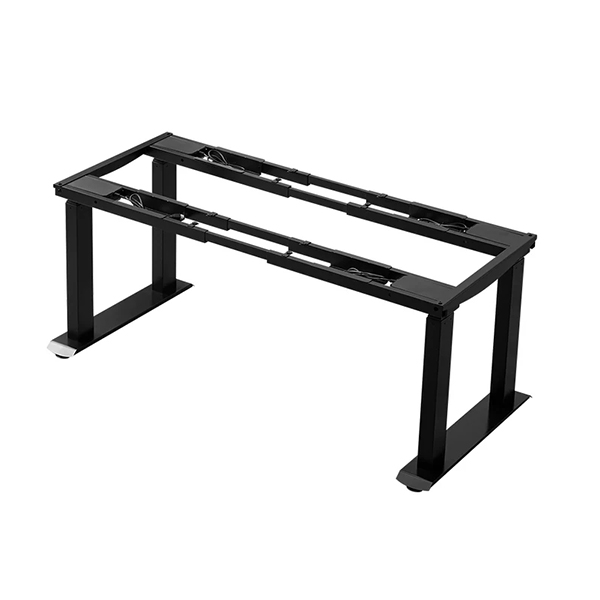
Column count follows desktop size and load. Two columns are standard for single-user desks. Four columns spread the load across a wider area and are preferred for large, heavy or multi-monitor setups. On very wide surfaces, the extra columns also reduce flex, because the desktop is supported at more points. A heavy-duty four-leg frame with dual motors is an example of a base engineered for demanding loads rather than for a compact footprint.
Check Load Capacity With Margin
Load capacity is the maximum weight a frame is designed to raise and lower safely, and it should always be read as a working limit rather than a target. The useful figure is not the desk's capacity alone but its capacity minus everything already on it. A frame rated for a given load, carrying a heavy desktop and three monitors, may have very little headroom left.
The sensible approach is to total the desktop, the equipment, and a contingency for future additions, then choose a frame whose rating sits comfortably above that total. Buyers should also check that the ability to move is maintained across the whole height range, since a frame that lifts easily when low may behave differently when fully extended.
Stability and Frame Rigidity
Stability is the quality users notice without being able to name: the desk does not rock, shimmy or drift when they type. Rigidity comes from several things at once — the gauge and welding of the steel, the fit of the telescopic stages, the crossbars that tie the columns together, and the spread of the feet. A frame that is rigid at low height but loose at full extension is usually limited by column fit and tie-bar design.
Because stability is hard to judge from a specification sheet, it is worth asking suppliers direct questions: how the columns are stabilised, whether crossbars are included on wider frames, and how the frame behaves under load at maximum height. These answers distinguish a frame built to a standard from one assembled to a price.
Control Features That Earn Their Place
Not every control feature matters equally, so it helps to separate the useful from the decorative:
Memory presets — genuinely useful on shared desks, where users want to return to a saved height quickly.
Height limits — protect the mechanism, and prevent a desk being driven into a shelf or window.
Obstacle detection — stops movement when the desk meets resistance, which matters where children or cables are present.
Child lock or key lock — relevant for classrooms and public spaces.
App or remote control — helpful in some settings, but rarely essential.
Choose the features that solve a real problem in the intended environment, and do not pay for functions no user will reach for.
Shape and Layout: Straight, L-Shaped, Corner
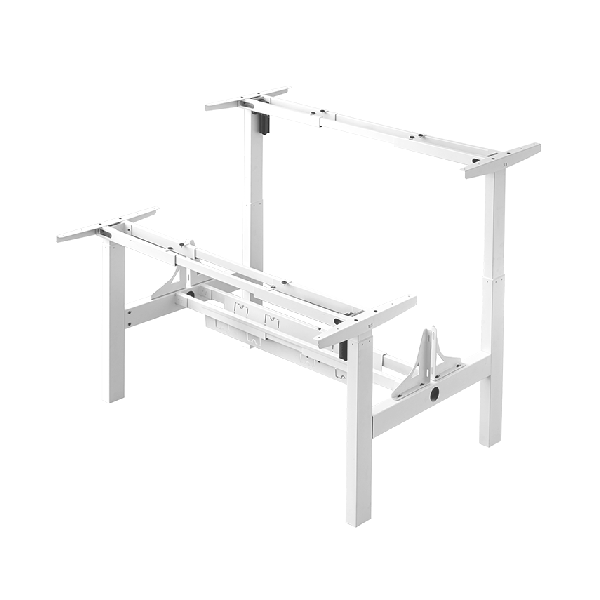
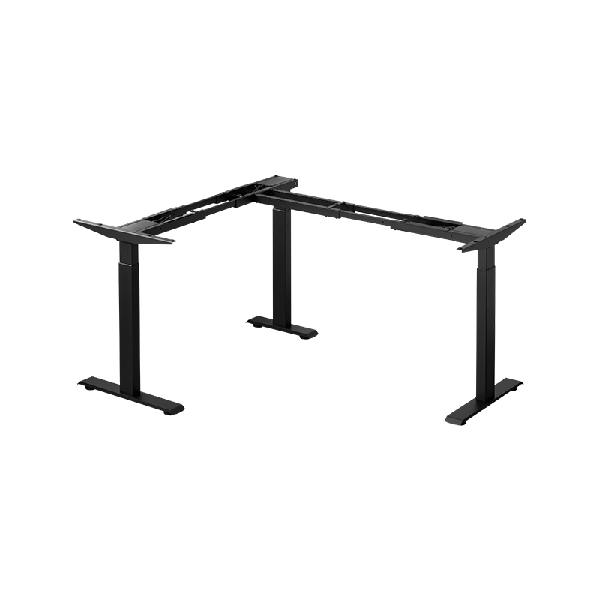
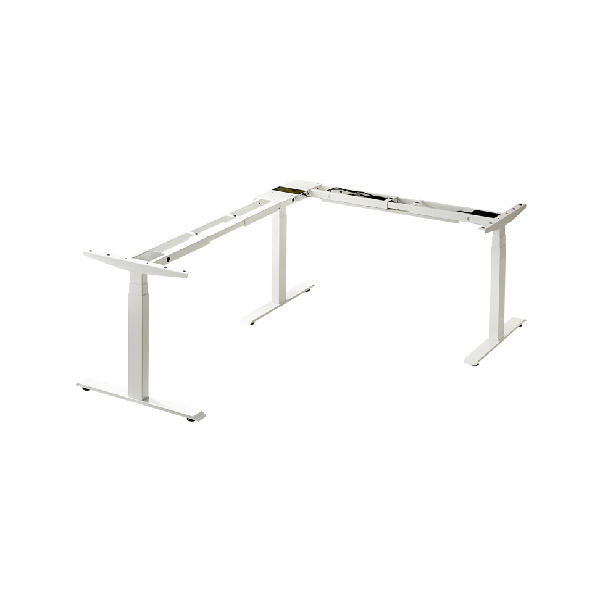
Frame layout should follow the room. A straight frame suits a wall or a centred desk. An L-shape electric desk frame provides two connected working surfaces and separates tasks across zones, which suits heavier multi-device work. A corner standing desk frame makes better use of an awkward floor plan than a straight desk would. For offices accommodating two people side by side or back to back, a shared dual-workstation frame can fit two working positions into one coordinated base.
Service, Replacement Parts and Support
A standing desk frame is a mechanical and electronic product, so the practical life of the desk depends partly on what happens after purchase. Ask how spare lifting columns, control boxes and handsets are supplied, whether the frame's electronic components are standardised across models, and how the supplier handles technical questions. For commercial buyers, an easily serviced frame with accessible parts is worth more than a marginally cheaper base that is difficult to repair.
A Practical Selection Checklist
Desktop length, depth, material, thickness and weight confirmed.
Total intended load, plus contingency, calculated.
Height range covers seated and standing heights of all users.
Motor drive (single or dual) and column count matched to size and load.
Load rating comfortably above the planned total, across the full height range.
Stability confirmed through column, crossbar and foot design.
Control features chosen to fit the environment, not the brochure.
Layout (straight, L-shaped, corner, shared) matched to the room.
Spare parts and technical support available after purchase.
Buyers who want to confirm a specific combination — desktop size, load and layout — can share those details with the supplier, and the full product range shows the frames and configurations available for reference.
FAQ
What size standing desk frame do I need for a 160 cm desktop?
Frame footprints are built to a supported size range rather than a single dimension. The right choice is the frame whose supported desktop range includes your length and depth, with the columns positioned to support the surface evenly. Confirm the specific range with the supplier for the exact tabletop.
Is a dual motor frame worth it over a single motor frame?
On compact desks with light loads, a single-motor frame can be entirely adequate. On wider or heavier desks, the dual-motor layout provides more capacity and steadier movement, which usually justifies the difference.
How much load should I allow for a monitor setup?
Total the desktop, monitors and mounts, computer, and any other equipment, then add a margin for future additions. Choose a frame whose rating sits comfortably above that figure rather than exactly at it.
Can a standing desk frame be fitted with a different desktop later?
Often yes, if the replacement desktop stays within the frame's supported size, weight and thickness. Frames with adjustable-width mounting and reusable brackets are the most flexible for future changes.
Does a taller height range mean a less stable frame?
Not necessarily, but higher settings place more demand on column fit and crossbars. A frame designed for a wide range with proper stabilisation should remain steady across it; one that does not is limited by its design, not by the height range itself.
Conclusion
Choosing a standing desk frame is a process of matching a base to a desktop and to people. Deciding the surface first, then the height range, motor and column configuration, then the load margin, stability, controls and layout, keeps the decision grounded in how the desk will actually be used. The frame that results is not necessarily the most expensive or the most feature-heavy, but the one whose capacity, range and structure fit the job. Approached this way, a standing desk frame becomes a durable foundation for a workstation rather than a detail left to chance.
References
ANSI/BIFMA X5.5-2021. Desk and Table Products. BIFMA International.
ISO 9241-5:1998. Ergonomic requirements for office work with visual display terminals (VDTs) — Part 5: Workstation layout and postural requirements. International Organization for Standardization.
Cornell University Ergonomics Web (CUErgo). Sitting and Standing at Work. Cornell University.
Occupational Safety and Health Administration (OSHA). Computer Workstations eTool — Workstation Components. U.S. Department of Labor.
Dul, J., & Weerdmeester, B. (2008). Ergonomics for Beginners: A Quick Reference Guide (3rd ed.). CRC Press.
Langfang Hanger Intelligent Technology Co., Ltd.
Copyright © 2026-2027 https://www.handyersmart.com. All Rights Reserved Langfang Hanger Intelligent Technology Co., Ltd.Copyright