






 Current location:
What Is a Desk Frame? A Complete Guide to Desk Frames
Author:handyersmart Date:2026-10-14 19:39:41 Click:185
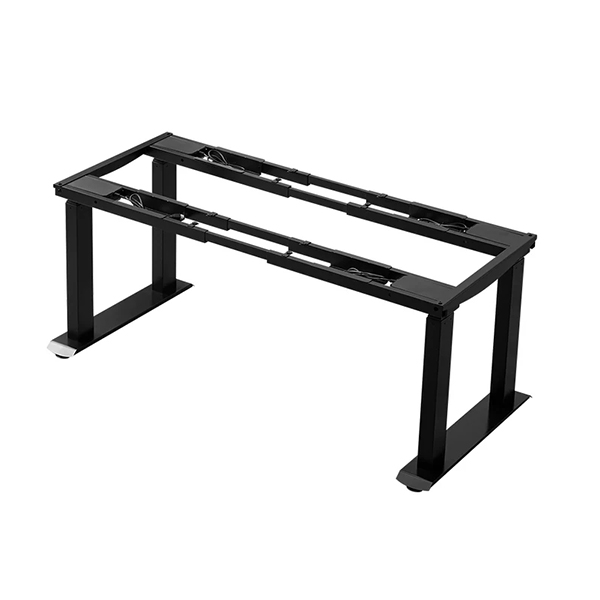
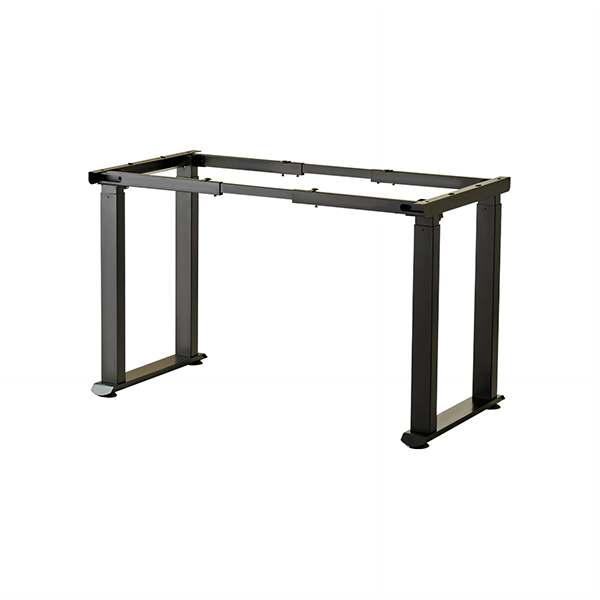
A desk frame is the structural base of a height-adjustable desk — everything except the working surface. It contains the legs, the lifting columns, the drive system and the controls that raise and lower a desktop. Buying a frame on its own is common in the furniture trade, because it lets a buyer pair one reliable base with different tabletop sizes, finishes or materials. Yet the frame is also the part of a desk that most affects stability, load capacity and service life, so it is worth understanding in detail. This guide explains what a desk frame is, what sits inside it, and how to judge one before purchase.
What Is a Desk Frame?
A desk frame is the supporting structure of a height-adjustable workstation. It provides the feet that rest on the floor, the columns that carry the load, the mechanism that changes height, and the mounting points to which a desktop is fixed. In everyday language people call it a "desk base" or a "standing desk frame"; in a product listing it appears as a frame-only item, sold without a tabletop.
The frame is what turns a flat panel into an adjustable desk. A plain tabletop has no height adjustment of its own — it simply sits on a base. When that base can extend and retract its legs, the surface gains a second, higher working position. Because the frame performs all of that mechanical work, its design decides the performance of the finished desk far more than the tabletop does.
What a Desk Frame Includes
Although layouts differ, a powered desk frame is normally made up of the following parts.
Lifting Columns and Legs
The lifting columns are telescopic legs built from two or three sliding stages. As the stages extend, the column becomes longer and the desk rises; as they retract, the desk lowers. Columns come in different profiles and sizes, and the number used — two, three or four — sets how much desktop the frame can carry and how stable it remains at height. The full range of electric standing desk frames shows how column count and layout change from one model to another.
Motors and Drive System
On an electric frame, each column contains or connects to a motorised actuator. In a single-motor design, one motor drives the columns through a linkage; in a dual-motor design, two motors drive the columns directly. The drive system decides how much the frame can lift, how smoothly it moves and how the load is shared. A dual motor standing desk frame is generally chosen for wider or heavier desks, while a single motor standing desk frame suits compact workstations.
Control Box and Handset
The control box is the electronic unit that coordinates the motors, manages the height limits and, on more advanced frames, stores memory positions and watches for obstacles. The handset — a button panel or switch — is what the user actually touches. Together they decide how the desk behaves in daily use: how quickly it responds, whether it can return to a saved height at a press, and whether it stops safely if it meets resistance.
Feet, Crossbars and Mounting Brackets
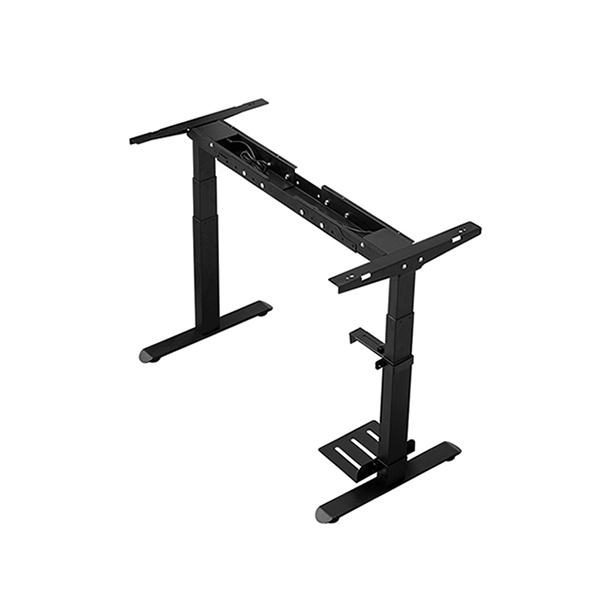
The feet spread the load across the floor and help keep the desk steady. Crossbars link the columns and add rigidity to the frame, especially on wider models. Mounting brackets are the plates or rails to which the desktop is screwed. These parts are easy to overlook, but they define which desk sizes the frame can accept and how well it resists sideways movement.
Desk Frame vs Complete Desk
The main choice when buying is between a frame-only product and a complete desk. A complete desk arrives as a matched system: frame and desktop designed to work together, with the mounting holes already positioned. A frame-only product is more flexible. It suits buyers who already have a surface, who need a non-standard size or finish, or who want to standardise on one frame across several tabletop options.
There is also a practical trade-off. Frame-only gives freedom but places the responsibility on the buyer to check that the desktop's size, thickness and weight fall within the frame's supported range. Complete desks remove that work but offer less choice. Neither approach is better in principle; the right one depends on whether the buyer values flexibility or simplicity.
Materials and Build Quality
Desk frames are typically built from steel, and the quality of that steel and its coating has a direct effect on rigidity and durability. Heavier-gauge steel resists flex better, which shows up as a steadier surface when the desk is loaded or raised. Welds, the fit of the sliding stages and the smoothness of the column tubes all influence how much the desk wobbles under normal use. Powder coating protects the metal against wear and corrosion, which matters for desks used in commercial, educational and industrial settings. A frame that feels rigid at its lowest setting but becomes loose at its highest is usually limited by the column fit and the crossbar design rather than by the desktop.
How a Desk Frame Is Matched to a Desktop
Matching a frame to a tabletop comes down to three things:
Size — the desktop's length and depth should sit within the frame's supported footprint, so that the columns support the surface rather than hanging beyond its edges.
Weight — the desktop plus everything placed on it must stay within the frame's load capacity, with margin for monitors, computers and accessories.
Thickness and fixing — the desktop must be thick enough to take the mounting screws securely, and its material must accept the frame's fixing pattern.
When these three points are respected, a frame and desktop behave as one product. When they are not, the result is a desk that flexes, sags or cannot reach its intended height under load. Buyers who are unsure can share the desktop dimensions and intended load with the supplier, which is often the fastest way to confirm compatibility. The product range lists frames together with the desktop sizes they are built for.
Common Desk Frame Configurations
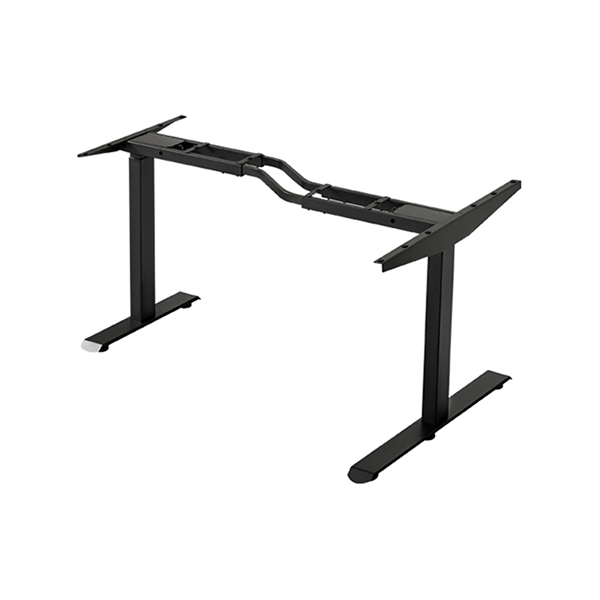
Two-column frames — the standard layout for single-user desks in offices and home studies.
Four-column frames — used where a larger desktop or heavier load needs extra support across a wider area.
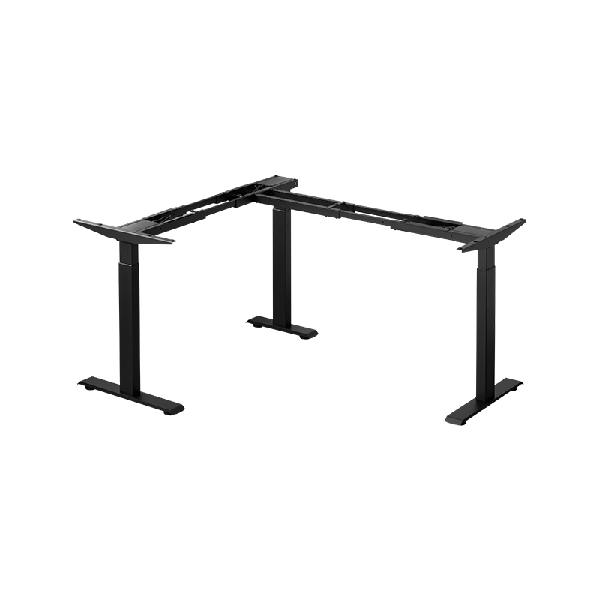
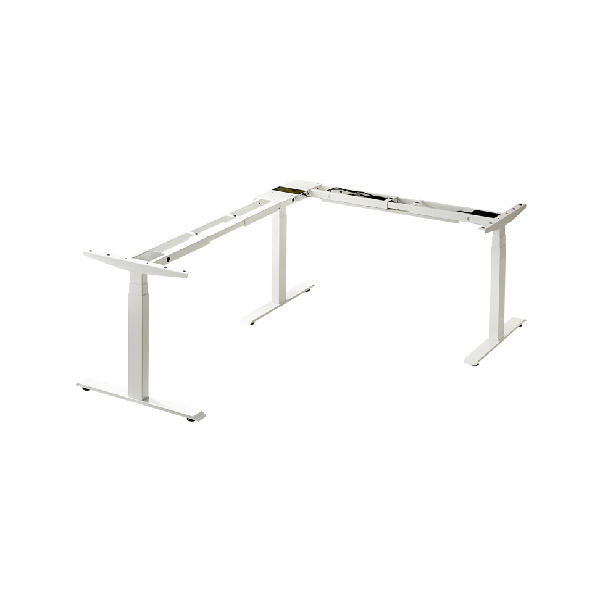
L-shaped and corner frames — built for two connected surfaces or for fitting a workstation into a corner.
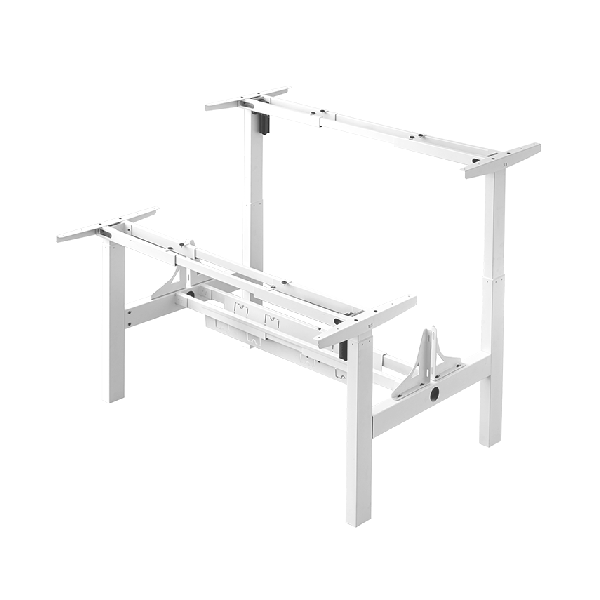
Dual-workstation frames — shared structures that create two working positions within one coordinated base.
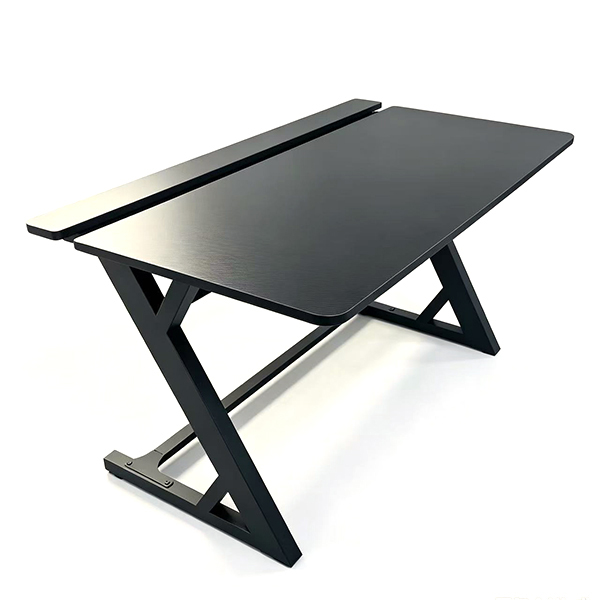
Specialist frames — gaming, conference and other layouts where the frame is adapted to a particular kind of use.
What to Check When Buying a Desk Frame
Load rating — confirm the capacity at which the frame is designed to operate, not just at rest.
Height range — make sure the lowest and highest positions suit the intended users, from seated to standing.
Motor configuration — single or dual drive, chosen to match desk size and load.
Column count and profile — more or larger columns improve stability and capacity.
Control features — memory presets, height limits and obstacle detection if they matter for the application.
Mounting compatibility — that the desktop you plan to use fits the frame's footprint and fixing pattern.
FAQ
Can I use my own tabletop with a desk frame?
Yes, provided the tabletop fits the frame's supported size, weight and thickness. Frame-only products are designed for exactly this, but always confirm the three points before assembly.
What is the difference between a desk frame and a desk base?
They usually mean the same thing. "Desk base" and "desk frame" both refer to the structure and lifting system that sit under the desktop. Some suppliers use "base" for simpler fixed or partial adjustment designs, but in height-adjustable furniture the terms overlap.
How many legs should a height-adjustable desk frame have?
Two columns suit compact, single-user desks. Four columns suit wide or heavy setups, where the load needs to be spread across a larger support area. Three and specialist layouts fall between or serve particular shapes.
Does a heavier frame always mean a better frame?
Not automatically. Rigidity depends on the design of the columns, crossbars and welds as much as on weight. A well-engineered frame can be stable without being unnecessarily heavy, which also affects shipping and handling.
Is a desk frame hard to assemble?
Most frames are designed to be assembled with common hand tools and clear instructions. The critical step is fixing the desktop correctly and keeping the columns aligned so the desk moves evenly.
Conclusion
A desk frame is the structural heart of a height-adjustable desk: the columns, motors, controls and mounting points that turn a tabletop into a working surface that moves. Judged on their own, frames differ in load capacity, height range, column count and control features, and those differences decide how a finished desk will behave. Buyers gain the most from a frame when they match it deliberately to a desktop — size, weight and thickness checked together — rather than treating the base as a generic accessory. Understood this way, the frame is not a hidden part of the product; it is the part that makes the product work.
References
ANSI/BIFMA X5.5-2021. Desk and Table Products. BIFMA International.
ISO 9241-5:1998. Ergonomic requirements for office work with visual display terminals (VDTs) — Part 5: Workstation layout and postural requirements. International Organization for Standardization.
Dul, J., & Weerdmeester, B. (2008). Ergonomics for Beginners: A Quick Reference Guide (3rd ed.). CRC Press.
Cornell University Ergonomics Web (CUErgo). Sitting and Standing at Work. Cornell University.
Occupational Safety and Health Administration (OSHA). Computer Workstations eTool — Workstation Components. U.S. Department of Labor.
Langfang Hanger Intelligent Technology Co., Ltd.
Copyright © 2026-2027 https://www.handyersmart.com. All Rights Reserved Langfang Hanger Intelligent Technology Co., Ltd.Copyright